, to see if you have full access to this publication.
Monograph No access
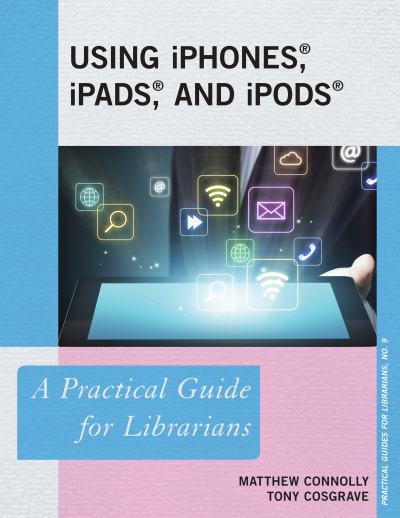
Using IPhones, IPads, and IPods
A Practical Guide for Librarians
Authors:
|
Publisher:
2014
Summary
Apple Inc. has sold more than 500 million iPhones, iPads, and iPodTouches. Library patrons are increasingly coming to libraries with the expectation that their Apple devices will work flawlessly with library services—or that they can find an iPad to use at the library if they don’t have one of their own. Libraries and librarians today are expected to be adept with the latest technology and to be able to apply it to popular use as well as scholarly research.
Using iPhones and iPads: A Practical Guide for Librarians offers library professionals a clear path to Apple readiness. The authors, a librarian and a software developer at a prominent research library, combine their experience in library public services and mobile technology to provide easy-to-follow, step-by-step instructions to help you get up to speed on:
Ensuring that your library website and online resources are iDevice-friendly
Creating a custom app for your library and making it available in iTunes
Starting an iPad lending program
Using iDevices for librarianship and library work
Assessing and advertising iDevice programs
Acquiring, configuring, and deploying iDevices to users
Recommended apps that can help you and your users
Whether you work at a large academic institution or a small public library, this book will show you how to become iDevice-literate quickly and easily.
Search publication
Bibliographic data
Edition
1/2014
Copyright Year
2014
ISBN-Print
978-1-4422-2687-6
ISBN-Online
978-1-4422-2688-3
Publisher
Rowman & Littlefield, Lanham
Language
English
Pages
194
Product Type
Monograph
Table of contents
ChapterPages
Contents No access
List of Illustrations No access
Preface No access
Introduction No access Pages 1 - 6
CHAPTER 1. Assessing iDevice Usage No access
CHAPTER 2. Making Websites iDevice-Ready No access
CHAPTER 3. Making Library Resources iDevice-Ready No access
CHAPTER 4. Making a Custom iDevice App No access
CHAPTER 5.Deciding Which Devices to Support No access
CHAPTER 6. Making the Case, Financing, and Purchasing for an iDevice Lending Program No access
CHAPTER 7. iDevice Configuration No access
CHAPTER 8. Configuring E-Books and E-Readers No access
CHAPTER 9. Configuring Resources for Multimedia No access
CHAPTER 10. Promoting Your iDevice Services No access
CHAPTER 11. Assessing Your iDevice Programs No access
CHAPTER 12. Learning iDevice Tips and Tricks No access
CHAPTER 13. Using iDevices for Library Work No access
CHAPTER 14. Adding Apple TV No access
Appendix. Recommended iDevice Apps No access Pages 181 - 186